AI writing workflow

Turn spoken notes into clear AI instructions.

When the task is easier to explain aloud, dictate its goal, available facts, constraints and expected output. Structured rewriting helps organize your notes; it does not run the task or guarantee the other AI’s answer.

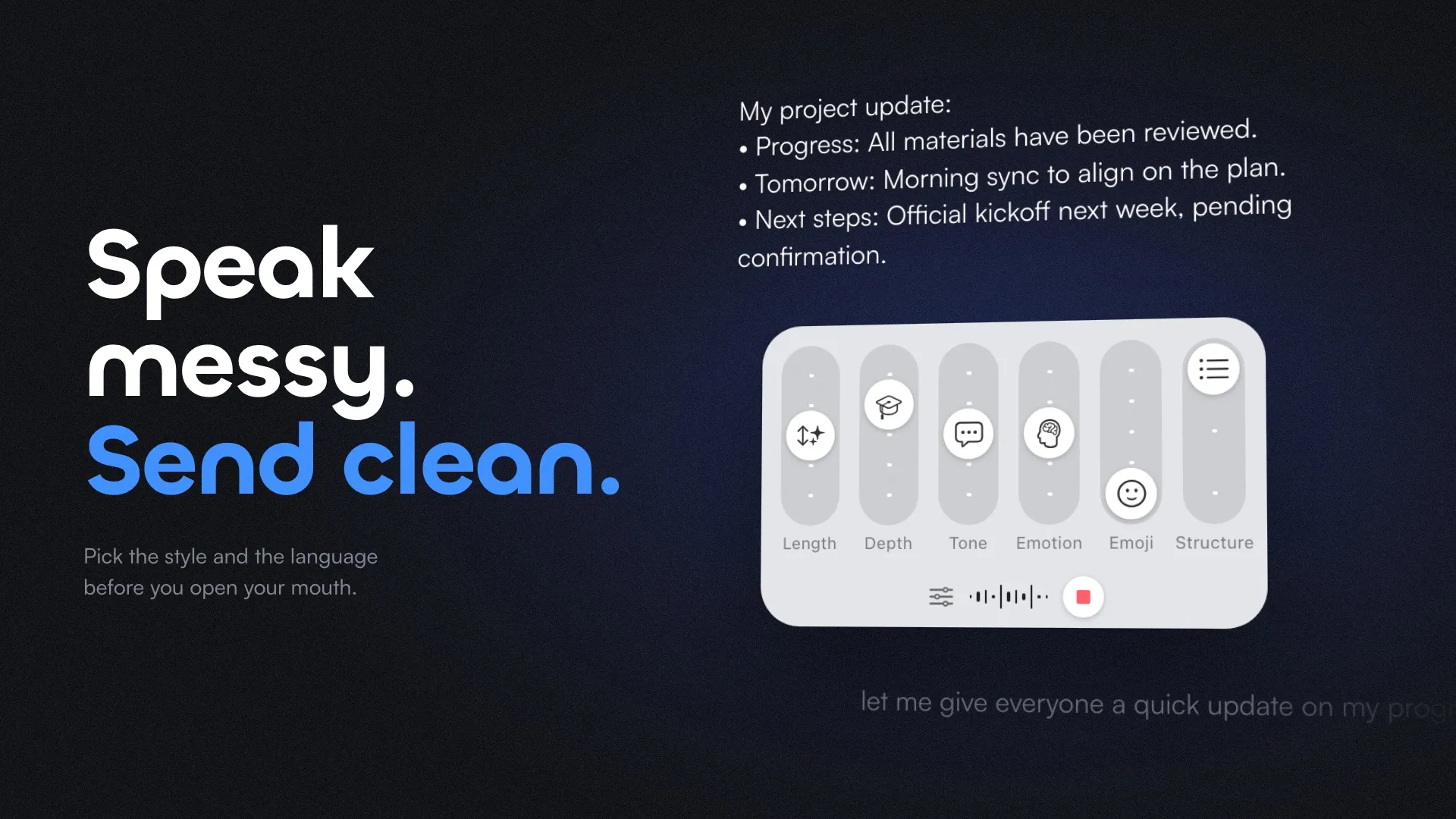
KeycoBoard voice panel on Mac with style controls above the recording waveform

How it works

  1. 01

    Focus a supported text field

    Open the prompt field in your AI app or a plain draft and start KeycoBoard voice input. This uses ordinary text entry, not a dedicated integration.

  2. 02

    State the requirements and choose Structured

    Use Rewrite mode, set Structure to Structured and keep Length near the original. Say the goal, audience, supplied facts, constraints and desired answer format. Adjust the sliders before stopping.

  3. 03

    Review before submitting

    Stop recording. Check that each constraint survived and no unsupported requirement appeared. Add any missing details, then submit the prompt yourself.

Input and output examples

Editorial examples illustrate the workflow, not recorded benchmark results. Actual wording varies by model, settings and context. Review facts before using the output.

Prepare a customer research task

Input
Help me plan five customer interviews for a note-taking app. The audience is freelance designers. I want to understand how they find old notes. No sales questions. Give me six open questions and a short introduction.
Settings
Rewrite mode. Structure: Structured. Tone: Neutral. Emoji: None. Length: 1×.
Example output
Goal: Plan five customer interviews for a note-taking app. Audience: Freelance designers. Focus: How they find old notes. Constraint: No sales questions. Output: Six open-ended questions and a short introduction.

Better input starts with concrete requirements

Supply context explicitly

Name the audience and available evidence. Reformatting vague notes does not replace missing context.

Separate preparation from execution

KeycoBoard prepares text. The AI app receiving it has its own capabilities, privacy terms and output limitations.

Requirements and limits

Platforms, permissions, processing and pricing.

Questions

Is this an official ChatGPT or Claude integration?

No. KeycoBoard writes into supported text fields. It does not connect to those accounts or execute their tools.

Will Structured always produce the same headings?

No. It is a writing preference, not a fixed template. Review the result and edit the headings when an exact format matters.

Compare your options

Features, limits and prices, with sources.

Setup and FAQ · Privacy and processing

Try it in your own text field.

Free to start on Mac, iPhone and iPad with 30 shared uses a month. Pro is US$29.99/year or US$3.99/month. See pricing